Why Overloaded Access Points Crash Commercial WiFi in Orlando
Discover why commercial WiFi networks fail under pressure and how the new IEEE 802.11bh standard addresses hardware reliability and network congestion.
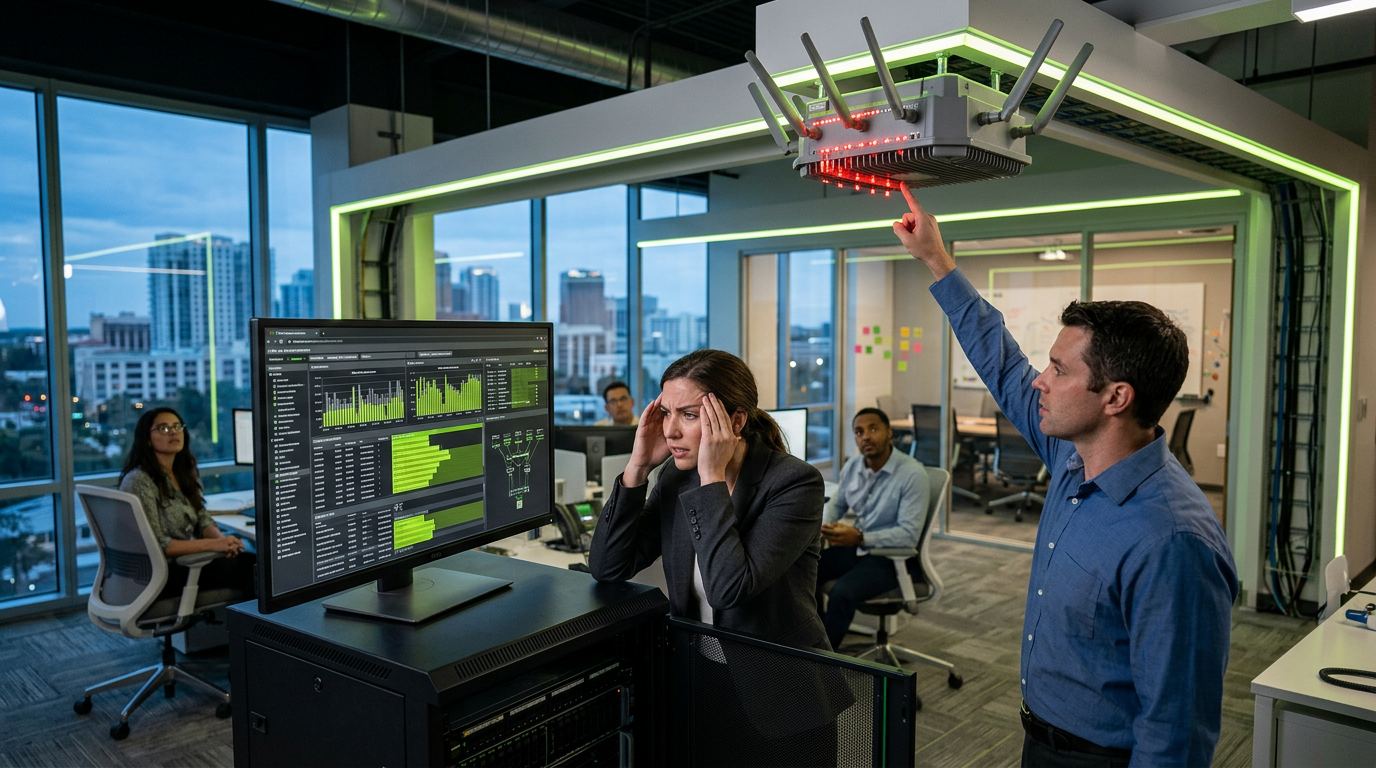
Commercial WiFi networks in Orlando typically crash when client density exceeds 30 to 50 active devices per radio on a standard Access Point (AP). While hardware may claim support for 200+ connections, real-world throughput collapses due to airtime contention and CPU thermal throttling, necessitating a strategic 1:25 ratio for high-performance environments like hospitality or corporate offices.
Quick Facts
- 802.11ax (WiFi 6/6E) supports up to 12 streams but real-world stability drops significantly when more than 60 clients attempt simultaneous heavy data transfers.
- OFDMA technology reduces latency by up to 75% in high-density environments compared to older WiFi 5 standards.
- PoE+ (802.3at) is now the minimum power standard; underpowering a high-density AP leads to frequent reboots and radio failures.
- Signal overlap should be maintained at -67 dBm at cell boundaries to ensure seamless roaming without dropping packets.
- The IEEE 802.11bh amendment is the latest regulatory focus, specifically targeting randomized MAC addresses to improve reliability and long-term connectivity stability.
The Technical Breaking Point: Why APs Fail
When a Central Florida business experiences a WiFi crash, the culprit is rarely a total hardware failure. Instead, it is usually "airtime contention." In a retail or hospitality setting, every smartphone, tablet, and IoT sensor competes for a slice of the frequency. As the number of devices grows, the AP spends more time managing the "handshake" and overhead than actually transmitting data.
Recent shifts in the IEEE 802.11bh standard have highlighted a growing issue: Randomized MAC addresses. To protect privacy, modern mobile devices change their identifiers frequently. For an overloaded legacy AP, this creates a massive table of "ghost" clients, exhausting the device's RAM and causing a kernel panic or a hard reboot. This is particularly prevalent in high-traffic Orlando tourist corridors where thousands of unique devices pass by a network daily.
| Feature/Metric | Standard Office AP | High-Density Commercial AP | Large Venue/Stadium AP |
|---|---|---|---|
| Recommended Client Load | 20-30 Devices | 50-80 Devices | 100+ Devices |
| Radio Configuration | 2x2 MIMO | 4x4 MIMO | 8x8 MIMO |
| Power Requirement | 15.4W (PoE) | 25.5W (PoE+) | 30W+ (PoE++ / UPoE) |
| Typical Throughput | 1.2 Gbps | 4.8 Gbps | 10+ Gbps |
Infrastructure Weaknesses: The Role of Structured Cabling
An Access Point is only as capable as the copper behind it. We frequently see Orlando businesses upgrade to WiFi 6E hardware while leaving Category 5e cabling in the ceiling. This creates a bottleneck at 1 Gbps for a radio capable of 4.8 Gbps. Furthermore, the heat generated by high-density APs requires proper ventilation in the plenum space.
Compliance with NFPA 70 (National Electrical Code) regarding Power over Ethernet in bundle sizes is critical. As APs draw more power to handle overloaded client lists, the heat dissipation in cable bundles can lead to insertion loss, further degrading the signal and causing the AP to drop offline intermittently.
What This Means in Central Florida
In Central Florida, the high humidity (often exceeding 80%) can lead to microscopic corrosion on RJ45 connectors in non-conditioned spaces like warehouses or outdoor hospitality decks, increasing resistance and causing power fluctuations to APs. During hurricane season, power sags are common; without a centralized UPS (Uninterruptible Power Supply) in the IT closet, an overloaded AP is likely to suffer a corrupted configuration during a brownout. Additionally, the rapid growth of the Orlando metro area means the 2.4GHz and 5GHz spectrums are incredibly crowded, requiring precise channel planning to avoid Co-Channel Interference (CCI) that mimics the symptoms of an overloaded AP.
Frequently Asked Questions
How many devices can one commercial access point actually handle?
While manufacturers often cite 250 or 500 connections, a realistic limit for stable performance is 30 to 50 active users per radio. In environments with high-bandwidth needs like 4K video streaming or video conferencing, this number should be capped at 25 devices to ensure low latency.
Why does my WiFi work fine in the morning but crash in the afternoon?
This is typically due to "client density peaks." As more employees or customers enter the building and their devices automatically hunt for WiFi, the AP's processor becomes overwhelmed. Thermal throttling can also occur as the unit heats up under the increased processing load throughout the day.
Does upgrading to WiFi 6E solve the crashing problem?
WiFi 6E adds the 6GHz band, which significantly reduces congestion, but it is not a cure-all. You must still have a robust structured cabling backbone (Cat6A) and a multi-gigabit switch to support the increased throughput, otherwise, the crash point simply moves from the radio to the switch port.
How does the new IEEE 802.11bh standard affect my business network?
IEEE 802.11bh focuses on "Enhanced Service Integrity." It helps networks better manage devices that use randomized MAC addresses for privacy. For Orlando businesses, this means fewer "ghost" connections clogging up the DHCP pool and improved reconnection speeds for returning customers or staff.
Can bad cabling cause an access point to reboot?
Yes, if the cabling is not rated for the power draw (PoE+ or PoE++), voltage drop can occur over long runs (over 300 feet). When the AP hits a peak processing load and demands more power, the voltage sags below the operating threshold, causing the device to restart.
---
Planning a project like this? See our [structured cabling services](/services/structured-cabling) or [get a free site assessment](/contact) from InCTRL's Orlando team.
Sources
- [Local IT Support & Helpdesk in Orlando | CFL Technology](https://cflts.com/it-support-helpdesk/)
- [Why Your Business Wi-Fi Keeps Disconnecting](https://www.miamitechemergency.com/blog/why-your-business-wifi-keeps-disconnecting)
- [AP News](https://apnews.com/)
InCTRL Technology Team
Commercial integration specialists with 20+ years installing security, cabling, signage, AV and IT systems across Central Florida. About us
Explore our services
Areas we serve
Need This Done at Your Facility?
Orlando-based since 2004 — 3,300+ jobs completed. Talk to a real technician, not a call center.