Retail Digital Signage Checklist: Ensuring 24/7 Connectivity
Maximize your ROI and prevent black screens with our comprehensive retail digital signage maintenance checklist and cost-vs-value breakdown.
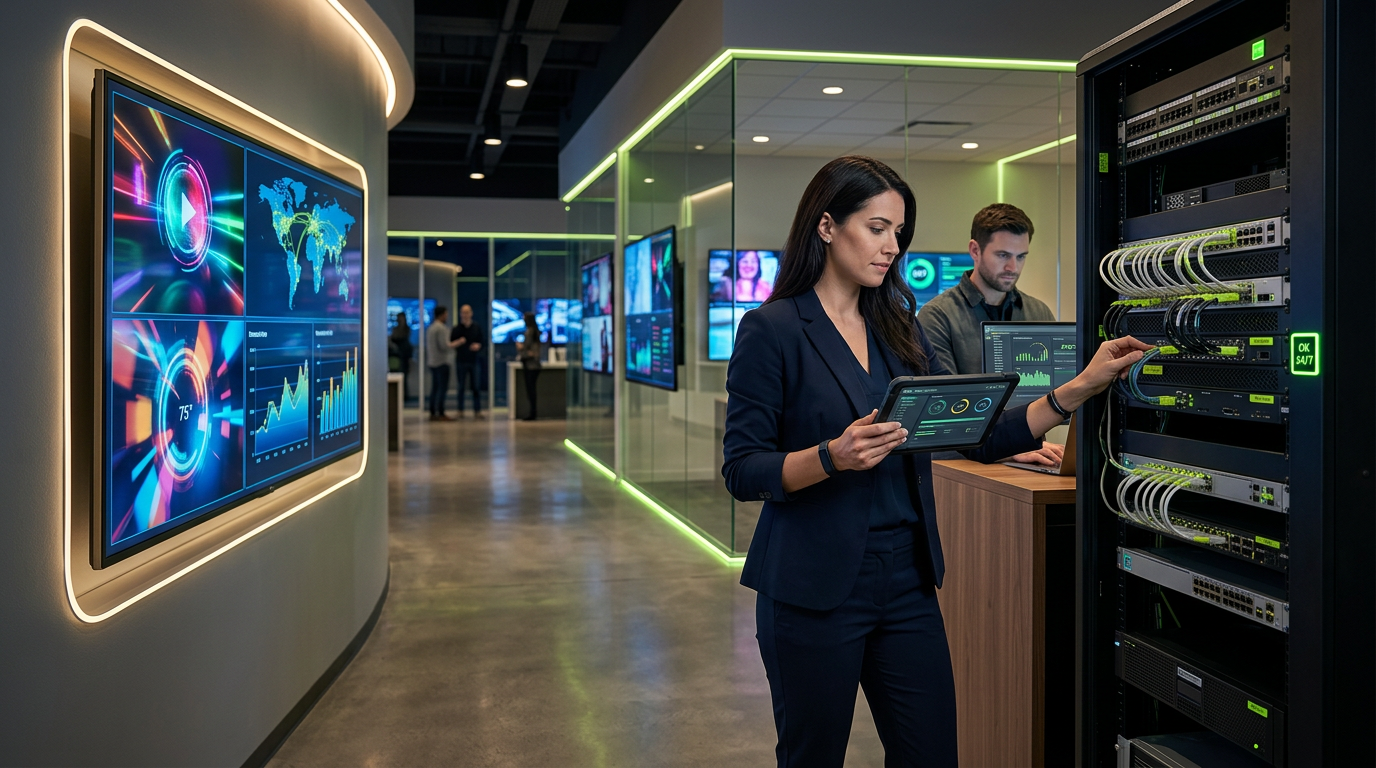
Imagine a high-traffic Saturday afternoon at your flagship retail location. Hundreds of potential customers are walking past your storefront, but instead of the vibrant, high-definition promotional video designed to drive foot traffic, they are greeted by a glowing blue screen or a pixelated 'No Signal' error.
In the retail world, a down display isn't just a technical glitch; it is a missed revenue opportunity. As modern businesses lean harder into dynamic content to drive sales, the underlying network infrastructure has become the silent backbone of the customer experience. If your infrastructure is weak, your digital signage—no matter how expensive the screens—will eventually fail.
Here is how to ensure your digital signage remains a high-performing asset rather than a maintenance liability.
The Hardware & Connectivity Audit
Digital signage is only as reliable as the cables and components feeding it. Before troubleshooting software, ensure the physical layer is sound.
- Inspect Cable Integrity: Ensure that Category 6 (Cat6) or Cat6A cabling is securely seated. In retail environments, vibrations or accidental tugs during stocking can loosen connections over time.
- Verify PoE (Power over Ethernet) Stability: Many modern displays and media players run on PoE. Check your network switches to ensure they aren't reaching their power budget limits, which can cause intermittent reboots.
- Thermal Management Check: Commercial displays generate significant heat. Ensure that recessed wall mounts or enclosures have adequate ventilation. Dust buildup in cooling fans is a leading cause of premature hardware failure.
- Media Player Health: If you use external media players (like BrightSign or proprietary NUCs), ensure they are mounted securely and not dangling by their cables, which puts stress on the HDMI ports.
Network Optimization for Continuous Playback
Digital signage can be a bandwidth hog, especially if you are streaming 4K content or utilizing real-time data feeds.
- VLAN Segmentation: Place your digital signage on its own Virtual Local Area Network (VLAN). This prevents signage traffic from slowing down your Point of Sale (POS) system and adds a layer of security against unauthorized access.
- Firmware Synchronization: Schedule automated updates for your media players and displays during off-hours. Mismatched firmware versions between the player and the CMS (Content Management System) often lead to playback stutters.
- Offline Playback Buffering: Configure your CMS to download and store content locally. This ensures that if the internet connection drops, the screen continues to show content rather than a blank error page.
The Cost-vs-Value Breakdown
Business owners often hesitate at the upfront cost of professional integration and proactive maintenance. However, when you look at the lifecycle of a digital signage deployment, the "budget" option often proves to be the most expensive.
The "DIY / Consumer Grade" Approach
- Initial Cost: $600–$1,200 per station (Consumer TV + basic stick player).
- The Reality: Consumer TVs are not rated for 16/7 or 24/7 use. They lack the brightness (nits) to fight retail lighting and often fail within 12–18 months.
- Hidden Costs: Frequent truck rolls for repairs, manual reboots by store staff, and lost sales due to downtime.
The "Professional Integration" Approach
- Initial Cost: $2,500–$4,500 per station (Commercial display + dedicated media player + structured cabling).
- The Reality: Commercial displays feature heat sinks, heavy-duty power supplies, and high-nit panels designed for 50,000+ hours of use.
- Value Add: Professional structured cabling ensures 99.9% uptime. When you amortize the cost over a 5-year lifespan, the professional solution typically costs 30-40% less in total cost of ownership (TCO) than replacing consumer hardware every year.
Security Best Practices
Digital signage is an often-overlooked entry point for cyber threats. A compromised screen can display inappropriate content, damaging your brand reputation instantly.
- Disable Physical Ports: Use port blockers or locking covers on unused USB and HDMI ports to prevent unauthorized physical access.
- Password Hygiene: Change default manufacturer passwords on all displays and players immediately upon installation.
- Encrypted Streams: Ensure your CMS uses HTTPS/TLS for all content transfers between the cloud and the local player.
Building a Foundation for Growth
Modern network infrastructure is the foundation of business growth. As you scale from one location to fifty, the ability to manage your signage remotely becomes non-negotiable. By investing in high-quality structured cabling and commercial-grade hardware from the start, you aren't just buying a screen—you are building a scalable communication platform that works for you 24/7.
If your current signage is experiencing frequent flickering, blackouts, or connectivity issues, it’s time to look behind the screen at the infrastructure supporting it.
Sources
- [Why Network Infrastructure Is the Foundation of Business ...](https://www.naileditgroup.com/post/why-network-infrastructure-is-the-foundation-of-business-growth)
InCTRL Technology Team
Commercial integration specialists with 20+ years installing security, cabling, signage, AV and IT systems across Central Florida. About us
Explore our services
Areas we serve
Need This Done at Your Facility?
Orlando-based since 2004 — 3,300+ jobs completed. Talk to a real technician, not a call center.