Fixing Video Lag and Frame Loss in Ocala Distribution Centers
Learn why large-scale warehouses face security camera latency and how to choose between high-bandwidth fiber and edge-intelligent processing to fix it.
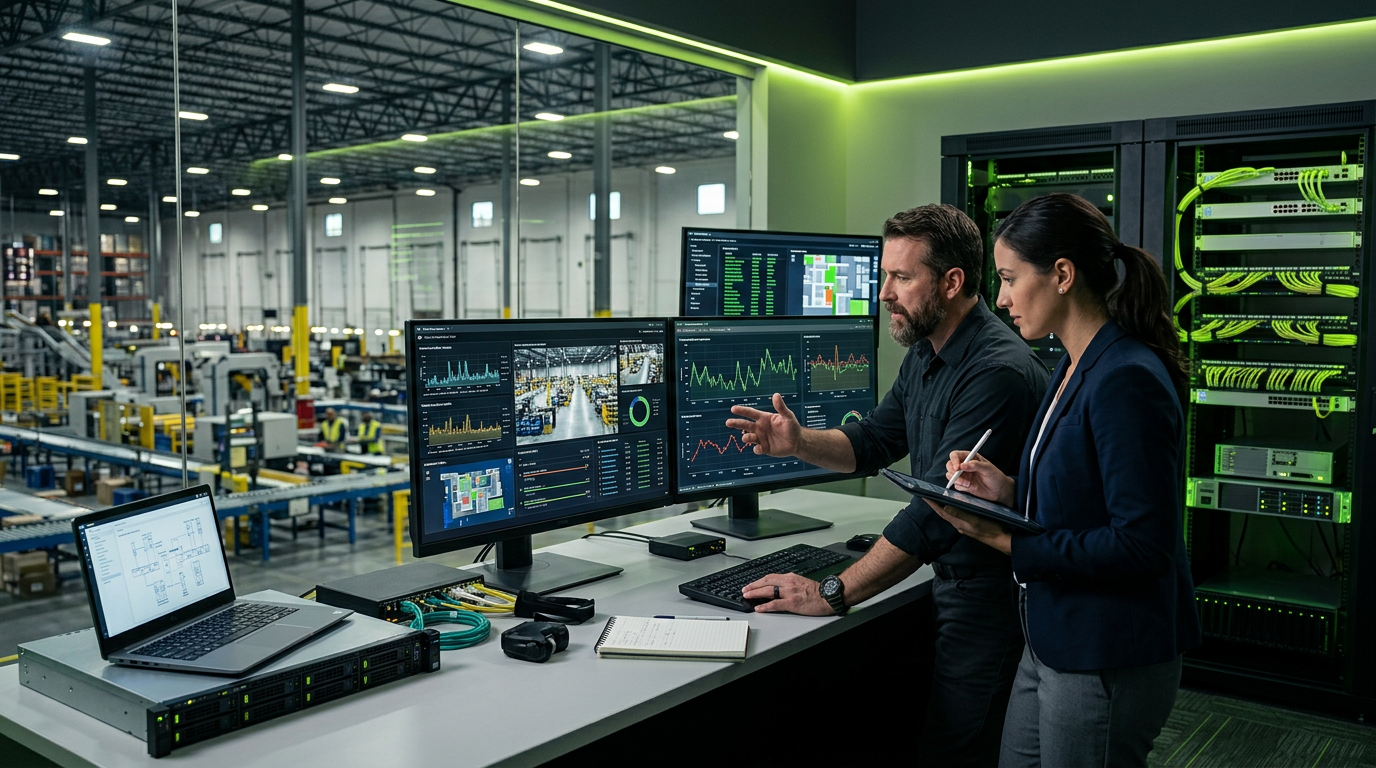
Video lag and frame loss in Ocala distribution centers typically stem from bandwidth bottlenecks or insufficient processing power at the head-end, occurring most frequently when cable runs exceed the 328-foot Ethernet limit. Resolving these issues requires upgrading to a 10Gbps fiber backbone or deploying edge-compute cameras that utilize H.265+ compression to reduce network strain by up to 50%.
Quick Facts
- The 100-Meter Rule: Standard Category 6 cabling loses signal integrity and experiences packet drop-off beyond 328 feet (100 meters) without active switching.
- Frame Rate Standards: Security-grade video for logistics requires a minimum of 15-20 frames per second (fps) to capture license plates or high-speed sorting labels clearly.
- Compression Savings: Modern H.265+ (High-Efficiency Video Coding) reduces storage and bandwidth consumption by 40-60% compared to legacy H.264 codecs.
- Throughput Requirements: A single 4K camera stream at high quality can consume 8-12 Mbps; a 50-camera warehouse requires a dedicated gigabit subnetwork to avoid stuttering.
- Environmental Factors: Warehouse temperatures in Central Florida can exceed 110°F near the ceiling, causing unrated network switches to throttle performance due to thermal stress.
| Component | Impact on Video Quality | Standard Recommendation |
|---|---|---|
| Backbone Cabling | Limits total data throughput | Single-mode Fiber (OS2) for 10Gbps+ |
| Network Switch | Manages packet prioritization | Layer 3 Managed PoE+ Switch |
| Video Storage | Determines playback smoothness | 7,200+ RPM Surveillance-grade HDDs or SSDs |
| Frame Rate | Dictates motion clarity | 15 fps for general, 30 fps for LPR |
The Core Conflict: Centralized vs. Edge Processing
When large-scale Ocala warehouses—often exceeding 200,000 square feet—experience "ghosting" or skipped frames in their surveillance footage, the solution usually falls into one of two architectural camps. Understanding the difference between a high-bandwidth centralized approach and an edge-intelligent approach is critical for logistics managers.
Approach 1: The High-Bandwidth Fiber Backbone
This method focuses on "brute-forcing" the data problem. By installing a robust fiber optic backbone (typically OS2 single-mode) between the main server room and various IDF (Intermediate Distribution Frame) cabinets throughout the warehouse, you create a massive pipe.
When it wins: This approach is superior for facilities that require raw, uncompressed video for high-level forensic analysis or those utilizing centralized AI servers for heat mapping and facial recognition. It ensures that every bit of data reaches the NVR without bottlenecking at the switch level.
Approach 2: Edge-Intelligence and Distributed Storage
Instead of sending every frame back to a central server, this approach uses cameras with on-board processing and SD card buffering. These cameras use "Smart Events" to only transmit high-resolution streams when motion is detected, keeping the baseline network traffic low.
When it wins: This is the ideal solution for sprawling trailer yards or satellite buildings where running high-strand fiber is cost-prohibitive. It mitigates frame loss because the camera can cache video locally if the network experiences a temporary hiccup, syncing the data back to the server once the connection stabilizes.
Why Ocala Facilities Struggle with Latency
The logistics corridor in Ocala has seen a massive surge in automated sorting and high-velocity shipping. In these environments, video lag isn't just a security risk; it's an operational failure. If a manager cannot track a pallet in real-time due to a 3-second delay, the system's value drops significantly.
Commonly, we see "dropped frames" when legacy Cat5e cabling is pushed to its physical limit. In a 500-foot-long warehouse, many installers try to stretch copper runs or use cheap extenders. This introduces jitter—the variance in time between data packets arriving. When jitter exceeds 30ms, the video begins to stutter.
What This Means in Central Florida
Operating a distribution center in Central Florida introduces unique environmental variables that directly impact technology performance. High humidity levels in non-climate-controlled loading docks can lead to oxidation on RJ45 connectors, increasing resistance and causing intermittent signal loss.
Furthermore, Ocala's position in "Lightning Alley" means that long copper cable runs act as antennas for electromagnetic interference during summer storms. We prioritize shielded cabling (STP) and fiber optics not just for speed, but for electrical isolation. Additionally, any outdoor cameras in trailer yards must be rated for salt-air corrosion if they are part of a fleet moving between Ocala and the coastal ports.
Frequently Asked Questions
Why does my video look clear when live but choppy during playback?
This is typically a hard drive write-speed issue or a mismatch in NVR throughput. If your NVR’s incoming bandwidth capacity is 256Mbps but your cameras are pushing 300Mbps, the system will prioritize the live view and drop frames during the recording process to keep up.
Can I use mesh Wi-Fi to connect cameras in a large warehouse?
We generally advise against mesh Wi-Fi for industrial surveillance. The metal racking, foil-backed insulation, and moving forklifts create a nightmare of multipath interference. Hardwired fiber or point-to-point (PTP) 60GHz wireless bridges are the only reliable ways to prevent frame loss in these environments.
What is the difference between H.264 and H.265+ for bandwidth?
H.264 is an older compression standard that treats every frame similarly. H.265+ uses predictive technology to only update the parts of the image that change (like a moving person), keeping the static background at a lower bitrate. This significantly reduces the load on your local network.
How does heat affect my video quality in a Florida warehouse?
Network switches have an operating temperature range. When mounted in high-ceiling joists where heat collects, unmanaged switches can overheat, leading to "thermal throttling." This slows down packet processing, which manifests as lag or frozen video frames on your monitoring station screens.
Is it better to have more cameras or higher-resolution cameras?
For logistics, coverage is usually better than raw resolution. A 4K camera with a 10-second lag is less useful than four 1080p cameras providing real-time, fluid motion. We recommend balancing resolution with network infrastructure to ensure you never drop below 15 frames per second.
---
Planning a project like this? See our [security camera installation services](/services/security-cameras) or [get a free site assessment](/contact) from InCTRL's Orlando team.
Sources
- [https://spectrumlocalnews.com/fl/orlando/news/2026...](https://spectrumlocalnews.com/fl/orlando/news/2026/09/16/investigation-finds-k-ocala-cyber-fraud-incident-was-preventable)
- [https://enterprise.citizen.com/incidents/-P3S8KEcm...](https://enterprise.citizen.com/incidents/-P3S8KEcmFGswIOyCR4z)
- [Warehouse & Logistics Security Systems in Ocala](https://www.ocalasecuritycameras.com/industries/warehouses-logistics/)
InCTRL Technology Team
Commercial integration specialists with 20+ years installing security, cabling, signage, AV and IT systems across Central Florida. About us
Explore our services
Areas we serve
Need This Done at Your Facility?
Orlando-based since 2004 — 3,300+ jobs completed. Talk to a real technician, not a call center.