Modern AV Installation: The Executive Boardroom Playbook
Learn how to avoid common boardroom tech failures and design a hybrid meeting space that actually works for modern Orlando businesses.
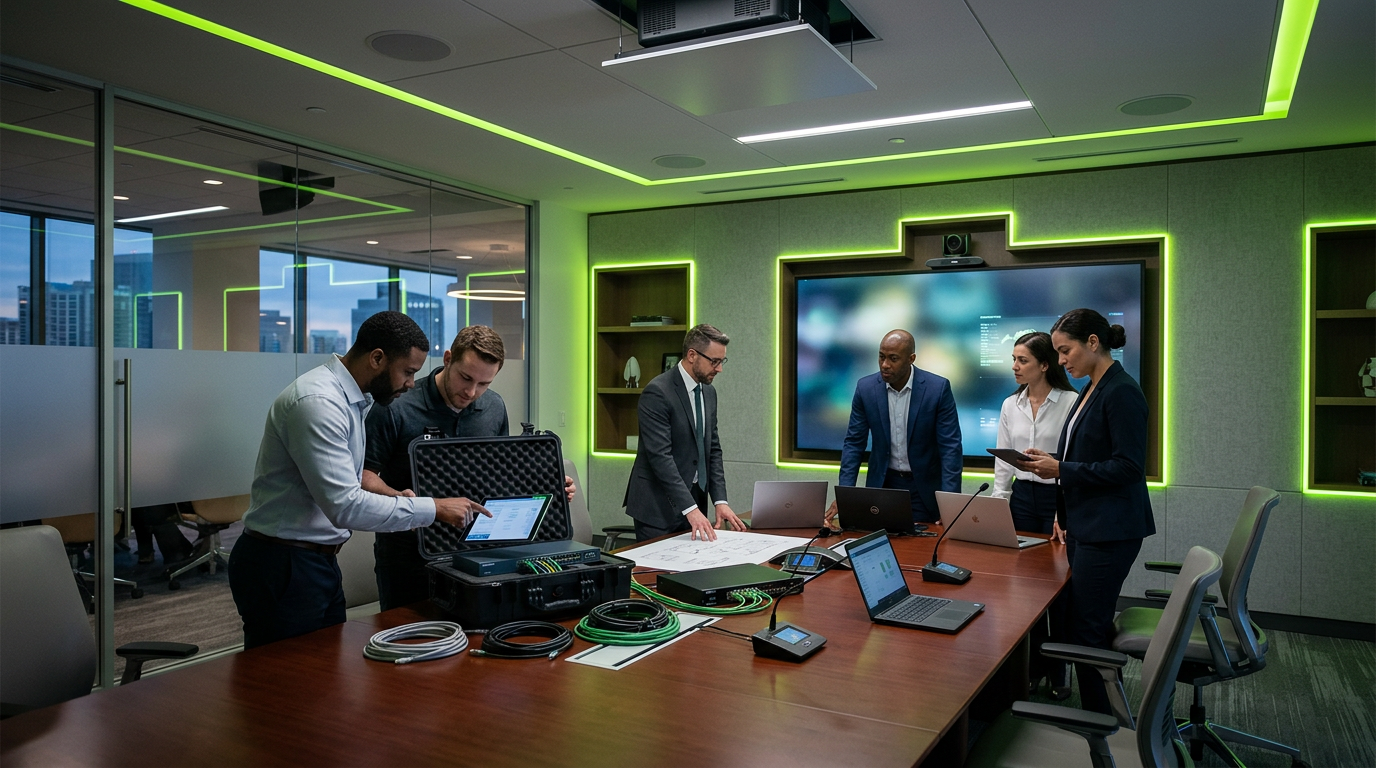
A high-stakes quarterly review was underway in a downtown Orlando executive suite. The CEO dialed in the remote regional directors, but within three minutes, the meeting stalled. The audio was echoing like a canyon, the 85-inch display kept flickering to a black screen, and the table was a chaotic nest of HDMI adapters and extension cords.
Behind the scenes, the culprit wasn't just a bad cable. The failure point was a poorly ventilated IDF (Intermediate Distribution Frame) closet two doors down that had reached 92°F, causing the network switch to throttle performance. The lesson? A boardroom’s success isn't just about the screen on the wall; it is about the infrastructure behind the drywall.
The Foundation: MDF and IDF Planning
In modern AV design, we no longer treat the boardroom as an isolated island. It is a node on your network. For larger commercial facilities or multi-story offices, the relationship between the Main Distribution Frame (MDF) and your IDFs is critical.
- Distance Matters: High-resolution video signals and Dante audio protocols require low latency. If your boardroom is too far from the MDF, a dedicated IDF closet on the same floor is essential to maintain signal integrity.
- Climate Control: Industry standards typically recommend keeping network closets between 64°F and 80°F. When hardware overheats, your "smart" boardroom becomes very dumb, very quickly.
- Power Protection: Every IDF serving your AV suite should equipped with a UPS (Uninterruptible Power Supply). A momentary power flicker shouldn't result in a ten-minute reboot of your conference system mid-presentation.
Audio: The Invisible Priority
In a hybrid environment, audio is more important than video. You can conduct a meeting if the camera fails, but you cannot conduct one if you can’t hear the instructions from the board chair.
Modern installations are moving away from the "puck in the center of the table" model. We now look toward Beamforming Microphone Arrays. These are often ceiling-mounted and use sophisticated DSP (Digital Signal Processing) to "track" the person speaking while filtering out the hum of the HVAC system. This ensures that remote participants feel like they are in the room, rather than listening through a tin can.
Structured Cabling: The Backbone of 4K
If you are still relying on consumer-grade HDMI cables pulled through a wall, your system has a shelf life. Structured cabling is the gold standard for professional AV integration.
- Category 6A (Cat6A): This is the baseline for modern offices, supporting 10Gbps speeds necessary for high-bandwidth video and HDBaseT signal extension.
- Fiber Optics: For connections between the MDF and IDF, or for ultra-long runs to a lobby digital signage display, multimode fiber ensures zero signal loss over distance.
- Pathway Design: Your boardroom should have dedicated conduits for data and AV. Mixing high-voltage power lines with low-voltage data lines in the same tight space can cause electromagnetic interference, leading to that annoying "snow" on your displays.
Designing for the "Front Row" Experience
Hybrid work has changed the physical layout of the boardroom. The traditional long rectangular table often leaves people at the far end looking like ants to remote viewers.
Consider the "Signature Room" layout. This involves a curved or horseshoe-shaped table where everyone faces the camera and the screen simultaneously. This ensures eye contact is maintained with remote participants, fostering a more equitable meeting environment.
Integration and Control
Expertise in AV means making the complex feel simple. The end-user shouldn't need a degree in computer science to start a meeting. A professional installation includes:
1. One-Touch Join: Integration with platforms like Microsoft Teams Rooms or Zoom Rooms.
2. Automated Lighting & Shades: Integrated sensors that dim the lights and lower the shades when the "Presentation" mode is selected.
3. Digital Signage Overlay: When the boardroom isn't in use, the displays should serve as digital signage, showing company KPIs, welcome messages for guests, or internal announcements.
Final Checklist for Orlando Commercial Teams
Before you break ground on a boardroom refresh, ask your integration partner these three questions:
- Does our current IDF have the PoE (Power over Ethernet) budget to support new ceiling mics and touch panels?
- Is our structured cabling certified to ensure it meets the bandwidth needs of 4K video?
- Is the cooling in our data closet sufficient for the additional heat load of AV processors?
Modernizing your boardroom is an investment in your company’s culture and decision-making speed. By focusing on the infrastructure—the cabling, the cooling, and the network—you ensure that the technology fades into the background, leaving only clear communication and professional results.
Sources
- [UPS for IDF and MDF Closets - Xtreme Power Conversion](https://xpcc.com/ups-for-idf-mdf-closets/)
- [Network Closet Design (2026): How to Plan, Build & Organize It Right](https://thenetworkinstallers.com/blog/network-closet-design/)
- [MDF vs IDF Design Mistakes & Best Practices - LinkedIn](https://www.linkedin.com/posts/muhammad-hanzallah-javed-bb69b7185_mdf-idf-structuredcabling-activity-7470434837594779648-7tsa)
InCTRL Technology Team
Commercial integration specialists with 20+ years installing security, cabling, signage, AV and IT systems across Central Florida. About us
Explore our services
Areas we serve
Need This Done at Your Facility?
Orlando-based since 2004 — 3,300+ jobs completed. Talk to a real technician, not a call center.