Florida Hurricane Prep: Protecting Your Digital Signage Investment
Learn how to safeguard your outdoor digital signage from Florida's hurricane season with professional prep strategies and a cost-vs-value breakdown.
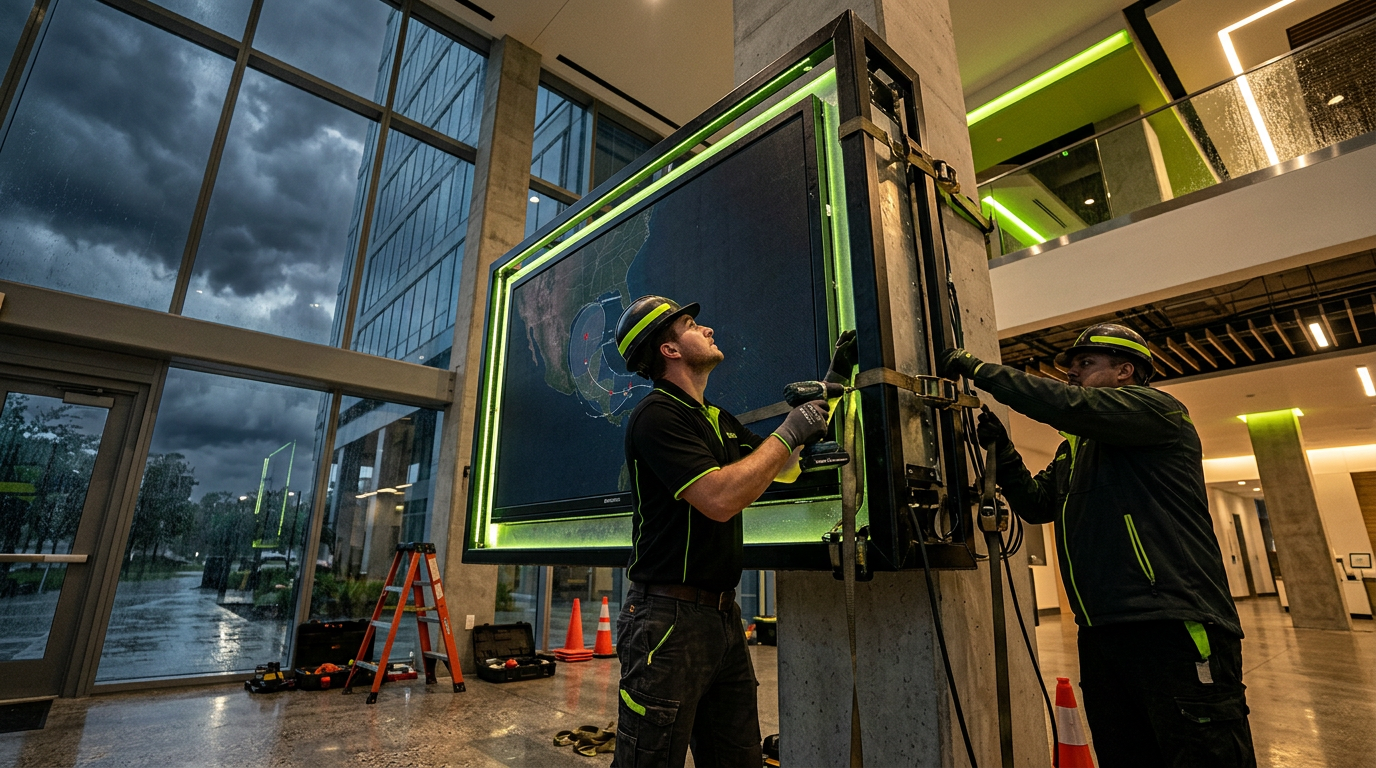
Living and working in Central Florida means accepting a seasonal reality: between June and November, the weather isn’t just a conversation starter—it’s a logistical challenge. For businesses in retail, hospitality, and healthcare, outdoor digital signage is a significant capital investment. When a Category 3 storm is barreling toward the coast, the difference between a functional display and a total loss often comes down to the work you did months ago.
At InCTRL Technology Services, we see many businesses treat their outdoor displays like "set it and forget it" appliances. However, high-brightness LED arrays and high-definition LCD kiosks require specific hardening to survive Florida’s unique mix of wind-driven rain, salt air, and power surges.
The Three Pillars of Signage Hardening
Before the first tropical storm warning is issued, your infrastructure should be audited against three specific threats: physical impact, moisture intrusion, and electrical volatility.
1. Structural Integrity and Wind Loads
Most commercial outdoor displays are rated for specific wind speeds (often 110–150 MPH depending on the zone). However, these ratings only hold if the mounting hardware is maintained.
- Inspect Mounting Points: Check for oxidation or "weeping" rust on bolts and brackets. In Florida's humidity, galvanic corrosion can weaken steel supports over time.
- Clear the Perimeter: The sign itself might survive the wind, but a loose patio umbrella or a flying branch will shatter the protective glass or LED modules.
2. The Invisible Killer: Power Surges
In the hours leading up to a hurricane, the electrical grid becomes unstable. Rapid cycling and brownouts are common before the power finally fails.
- Hardened Surge Protection: Standard power strips won't cut it. You need Type 1 or Type 2 Surge Protective Devices (SPDs) installed at the panel or the equipment disconnect.
- Remote Power Management: Implementing network-switched PDUs allows your IT team to gracefully shut down displays remotely before the worst of the storm hits, preventing data corruption or hardware fatigue during a flicker.
3. Thermal and Moisture Management
Heavy rainfall during hurricanes is often horizontal. Even NEMA 4 or IP65-rated enclosures have limits.
- Seal Audits: Inspect the rubber gaskets around the access panels. If they are cracked or brittle, they will fail under pressure.
- Ventilation Clearance: Ensure that the cooling fans and filters aren't clogged with debris. If a display stays powered on during the humid buildup before a storm, it can easily overheat if the airflow is restricted.
Cost-vs-Value: The Economics of Protection
It is often difficult for facility managers to justify the cost of proactive hardening until after a disaster occurs. Let’s look at the ballpark figures for a typical dual-sided 55-inch outdoor kiosk installation.
The Cost of Failure:
- Replacement Hardware: $12,000 – $25,000+
- Emergency Labor/Installation: $2,500 – $5,000
- Permitting & Disposal: $1,000
- Revenue Loss: Variable (based on ad-spend or foot traffic)
- Total Risk: $15,500 – $31,000+
The Cost of Proactive Hardening:
- Annual Professional Inspection: $500 – $900
- Industrial Surge Protection: $400 – $800
- Gasket/Seal Refresh: $200 – $400
- Total Investment: $1,100 – $2,100
When you look at the numbers, the math is clear. Investing roughly 5-7% of the total hardware value into annual maintenance and hardening effectively insures you against a 100% loss.
Building for 2026 and Beyond
As we look toward the future of IT infrastructure, scalability and resilience are the top priorities. Modern network switches—like those becoming standard for 2026 deployments—offer better Power over Ethernet (PoE) management and diagnostic tools that can alert you to a failing display component before the storm even arrives.
If you are planning a new rollout, consider the "future-proof" approach: choose displays with modular components. If a branch hits a modular LED wall, you may only need to replace a $500 tile rather than the entire multi-thousand-dollar unit.
Your Hurricane Action Plan
If a storm is 48 hours away, your checklist should include:
1. Full Shutdown: Power down displays via the CMS or physical breakers.
2. Physical Barriers: If the display is in a high-debris area, consider custom-fit polycarbonate covers if time permits.
3. Documentation: Take high-resolution photos of the equipment from all angles for insurance purposes.
4. Connectivity: Disconnect external data lines (like copper Ethernet) that aren't protected by surge suppressors, as these can carry surges from other parts of the building.
Don't wait for a named storm to evaluate your tech stack. A little bit of Central Florida foresight goes a long way in protecting your digital presence.
Sources
- [Best Network Switches for Small Businesses in 2026](https://www.compudevices.com/blogs/best-network-switches-for-small-businesses-in-2026?srsltid=AfmBOoo0tgJZJGG_bDiN9Y5qqgyknhpUTtJ3brkjJCAVvlM5-QhoBcKT)
- [Free Grants and Programs for Small Business | CO](https://www.uschamber.com/co/run/business-financing/small-business-grants-and-programs)
- [Home - WEDC](https://wedc.org/)
InCTRL Technology Team
Commercial integration specialists with 20+ years installing security, cabling, signage, AV and IT systems across Central Florida. About us
Explore our services
Areas we serve
Need This Done at Your Facility?
Orlando-based since 2004 — 3,300+ jobs completed. Talk to a real technician, not a call center.