Commercial Security Camera Installation Guide: What Every Business Owner Needs to Know
A comprehensive guide to commercial security camera systems — covering camera types, placement strategies, storage options, and costs. Learn what every business owner needs to know before investing in surveillance.
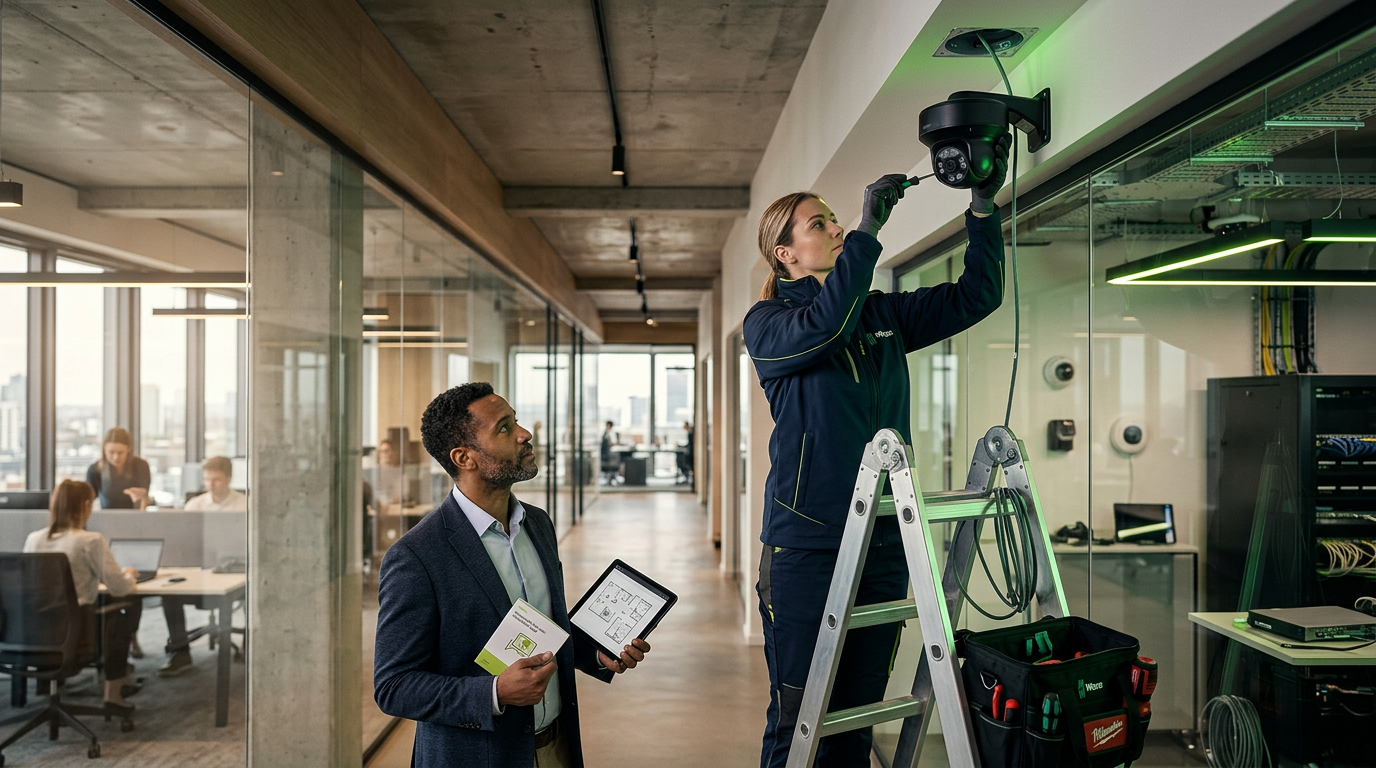
Commercial Security Camera Installation: The Complete Business Guide
Installing a commercial security camera system is one of the most impactful investments a business can make. The right system deters theft, protects employees, provides liability documentation, and gives you remote visibility into your operations — 24/7, from anywhere.
This guide covers everything you need to know before investing in commercial surveillance.
Choosing the Right Camera Type
IP Cameras transmit digital video over your network. They offer resolutions up to 4K (8MP), support remote viewing, and include features like motion detection, analytics, and AI-powered alerts. IP cameras are the standard for most new commercial installations.
Analog Cameras use coaxial cable and are limited to 1080p resolution. While less expensive per camera, they require a DVR and lack the advanced features of IP systems. We generally recommend IP for new installations.
PTZ Cameras (Pan-Tilt-Zoom) can be remotely controlled to cover large areas. They're ideal for parking lots, warehouses, and large retail floors where a single camera needs to cover multiple zones.
License Plate Recognition (LPR) cameras are specialized for capturing vehicle plates at entrances, parking lots, and drive-throughs. They include IR illumination for nighttime capture and searchable databases.
Camera Placement Strategy
Effective placement follows a layered approach:
- Perimeter: Cover all entry and exit points, parking areas, and loading docks
- Interior high-value: Registers, safes, inventory storage, and server rooms
- Common areas: Lobbies, hallways, break rooms, and open floor areas
- Blind spots: Stairwells, back doors, dumpster areas, and rooftops
A professional site survey identifies your specific coverage needs and ensures zero blind spots.
Storage Options
Network Video Recorders (NVR) store footage on-site with 4TB to 100TB+ capacity. Standard retention is 30-90 days depending on camera count and resolution.
Cloud Storage provides off-site backup and remote access. Hybrid solutions combine local NVR with cloud backup for critical cameras.
Edge Storage on SD cards inside cameras provides a failsafe if the network or NVR goes down.
What Does It Cost?
Commercial security camera systems typically range from $3,000 to $25,000+ depending on:
- Number of cameras (8-64+ is common for commercial)
- Resolution requirements (2MP, 4MP, or 4K/8MP)
- Storage capacity and retention period
- Cable run complexity and distance
- Integration with access control or alarm systems
A professional installer provides a detailed, itemized quote after an on-site assessment — never sign a contract based on a phone estimate alone.
Choosing an Installer
Look for:
- Licensed and insured contractors
- Experience with your industry (retail, hospitality, corporate, etc.)
- Certified cable installers (not just camera mounters)
- Warranties on both equipment and labor
- Ongoing support and maintenance plans
- Local presence for fast response times
Next Steps
Ready to protect your business? InCtrl Technology Solutions provides free on-site security assessments for businesses across Central Florida. Call (407) 683-1398 or request a quote online.
---
Planning a project like this? See our [security camera installation services](/services/security-cameras) or [get a free site assessment](/contact) from InCTRL's Orlando team.
InCTRL Technology Team
Commercial integration specialists with 20+ years installing security, cabling, signage, AV and IT systems across Central Florida. About us
Explore our services
Areas we serve
Need This Done at Your Facility?
Orlando-based since 2004 — 3,300+ jobs completed. Talk to a real technician, not a call center.