Is Your Security Ready for the Storm? A 5-Point Weatherization Audit
Don't wait for the storm to hit. Learn how to protect your commercial security cameras with our essential 5-point weatherization audit for Florida businesses.
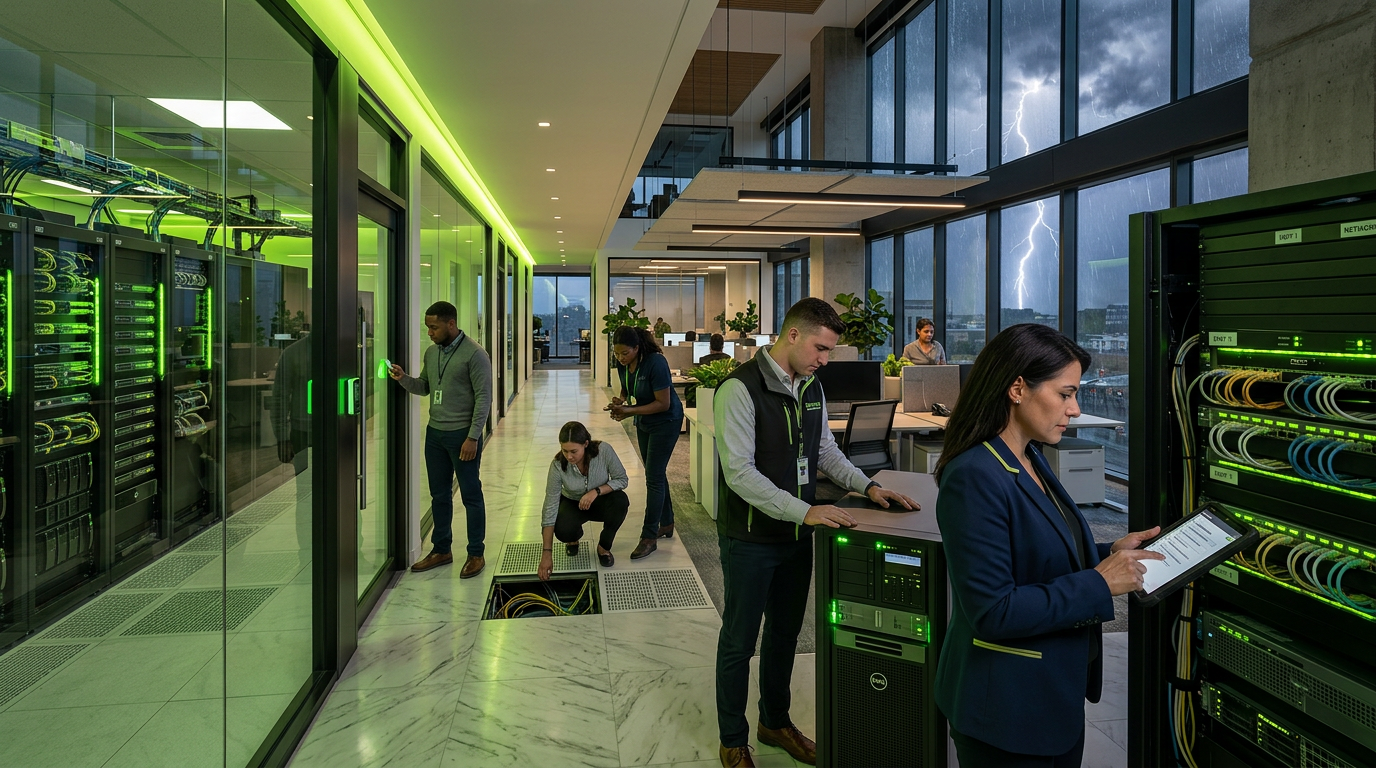
A few years ago, we received a frantic call from a warehouse manager in Orlando the morning after a major tropical depression passed through. Their system was brand new, and the cameras were still powered on, but the footage looked like it was filmed through a fish tank.
Upon inspection, we found that a single improperly sealed conduit had acted like a straw, suctioning humid air directly into the camera housing during the pressure drop of the storm. The internal condensation didn't just blur the lens; it fried the image sensor. The lesson was clear: high-end hardware is only as good as its weatherproofing.
In Central Florida, it isn’t a matter of *if* a storm will test your infrastructure, but *when*. As hurricane season approaches, commercial facilities—from retail centers to healthcare campuses—must ensure their surveillance systems can survive more than just a light afternoon shower.
Here is our 5-point weatherization audit to perform before the first clouds roll in.
1. Inspect IP Ratings and Seal Integrity
Not all "outdoor" cameras are created equal. You should verify that your cameras carry at least an IP66 or IP67 rating. These ratings indicate the device’s ability to withstand powerful water jets and temporary immersion.
However, a rating is only valid if the seals are intact. Over time, the intense Florida sun can dry-rot rubber gaskets.
- Action: Check the rubber grommets where the cable enters the camera. If they look cracked or brittle, they need replacement.
- Pro Tip: Apply a small amount of silicone grease to seals to keep them pliable and water-resistant.
2. Evaluate Mounting Stability and Wind Load
During a hurricane, wind isn't just a threat to your roof; it’s a threat to your video analytics. High winds cause vibrations that can trigger false alarms in your software or, worse, loosen the mounting bracket entirely.
- Check the hardware: Ensure all mounting bolts are tightened and that the substrate (the surface the camera is attached to) is secure.
- Review the "Sail Area": Larger PTZ (Pan-Tilt-Zoom) cameras have a high surface area and acts like a sail. Ensure these are mounted to structural steel or reinforced masonry, rather than decorative siding or thin aluminum.
3. The "Drip Loop" and Conduit Check
This is the most common point of failure we see in the field. Gravity is your enemy when it comes to water. If a cable runs straight from a wall into a camera, rainwater will follow that cable directly into the sensitive electronics.
- The Solution: Every external cable should have a drip loop—a simple U-shaped curve in the wire before it enters the device or conduit. This forces water to pool at the bottom of the curve and drip off, rather than running into the connection.
- Conduit Sealing: Ensure all conduit runs are sealed with outdoor-rated duct seal (a putty-like substance) to prevent moisture migration through the pipes.
4. Surge Protection and Power Backups
In Orlando, the lightning capital of the U.S., the surge is often more dangerous than the wind. A strike near your building can send a massive voltage spike through your copper Ethernet cabling, instantly killing your NVR (Network Video Recorder) and every connected camera.
- Use Shielded Cabling: Ensure your external runs use STP (Shielded Twisted Pair) cabling with properly grounded connectors.
- Install Inline Surge Protectors: These small devices sit between the camera and the switch, sacrificing themselves to save your expensive hardware during a surge.
- UPS Maintenance: Test your Uninterruptible Power Supply (UPS). If the power flickers during a storm, you don't want your security system to reboot right when you need it most.
5. Lens Clarity and Hydrophobic Coating
Heavy rain creates a "curtain" effect that renders even 4K cameras useless. If water droplets cling to the dome or lens cover, the infrared (IR) light will reflect off the droplets at night, causing a white-out effect.
- Clean the Domes: Use a non-abrasive microfiber cloth and a dedicated lens cleaner. Small scratches on the dome are invisible during the day but create massive glare under IR light at night.
- Hydrophobic Treatment: Consider applying a specialized hydrophobic spray designed for security optics. This encourages water to bead and roll off instantly, maintaining visibility during the heaviest downpours.
Resilience is a Strategy, Not a Product
Maintaining a commercial security system in Florida requires a proactive mindset. Modern trends in technology, such as the massive shift toward high-resolution LED displays and integrated digital signage we see in retail and hospitality, mean that your infrastructure is more interconnected than ever. If your exterior cameras go down due to poor weatherization, it can often signal deeper vulnerabilities in your structured cabling or network closets.
Taking the time to perform this 5-point audit now ensures that when the storm clears, your business is still protected, and your footage is crystal clear.
Sources
- [The 2026 Digital Signage Playbook: 11 Data-Backed Strategies to ...](https://dnrlcd.com/11-data-backed-strategies-to-maximize-roi/)
- [Digital Signage Market Size, Share Forecast 2034](https://www.polarismarketresearch.com/industry-analysis/digital-signage-market)
- [How Digital Signage Helps Businesses Become More Sustainable](https://www.megasigninc.com/blog/how-does-digital-signage-support-business-sustainability/)
InCTRL Technology Team
Commercial integration specialists with 20+ years installing security, cabling, signage, AV and IT systems across Central Florida. About us
Explore our services
Areas we serve
Need This Done at Your Facility?
Orlando-based since 2004 — 3,300+ jobs completed. Talk to a real technician, not a call center.